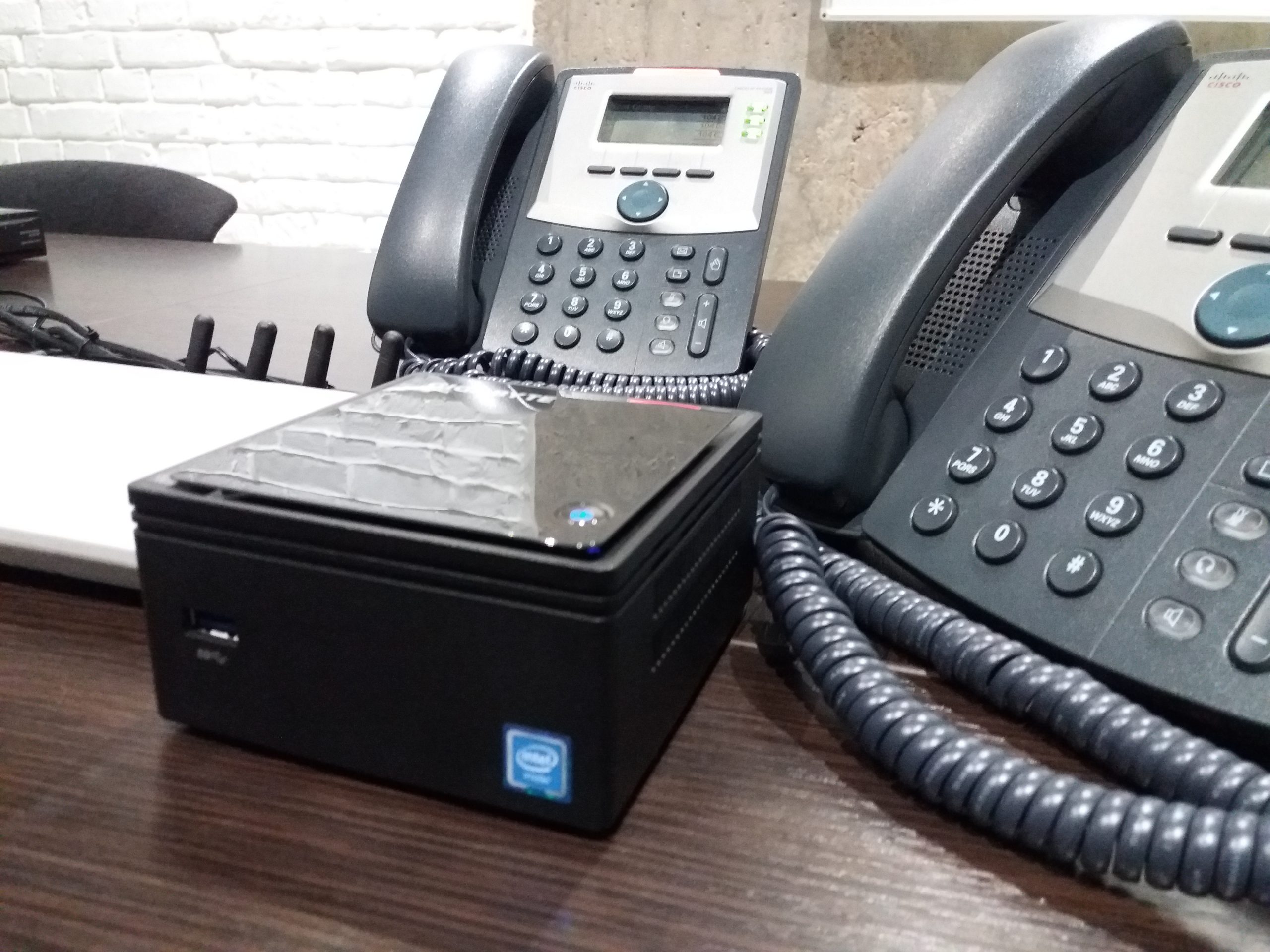
Virtual PBX

Virtual PBX

Telnexx's virtual PBX for business helps you receive, distribute, and manage calls without installing a physical telephone system. Connect employees, offices, branches, and remote teams to a single cloud system, configure call forwarding, voice menus, call recording, and CRM integration.


Telephony without complex equipment

A virtual PBX operates over the internet and doesn't require purchasing an office station, installing lines, or complex maintenance. To get started, simply select numbers and configure call rules.

Unified communication for the office and remote team

A cloud PBX connects employees regardless of their location. Clients call a single company number, and the call is routed to the appropriate manager, department, or branch.

Call and service quality control

The system records incoming, outgoing, and missed calls, allows you to record conversations and analyze employee workload. This helps improve service and manage your team.

Advantages of a virtual PBX

Quick Launch

Connection is carried out without complex equipment and lengthy installation.

Budget savings

The company pays for the required functions and does not maintain its own telephone exchange.

Flexibility for employees

Calls can be received on an IP phone, computer or smartphone.

Scaling

New users, numbers and directions are added as the business grows.

Quality control

Call recordings, statistics, and reports help evaluate the effectiveness of communication.

Professional image

Voice menu, queues and routing create a convenient communication scenario

Virtual IP PBX capabilities

1

Manage calls from a single cloud panel

You can connect one or more numbers, create internal numbers for employees, set up greetings, IVR menus, queues, call forwarding, and work schedules.

2

IVR voice menu

Customize your greeting and menu so that customers are immediately directed to the right department or specialist.

3

Call recording

Save calls for service quality monitoring, manager training, and dispute resolution.

4

Statistics and reports

Analyze incoming, outgoing, and missed calls, employee workload, and call processing efficiency.

5

Integration with CRM

Record calls in your customer card, save communication history, and process requests faster

6

Multi-channel numbers

Connect landline, mobile, international, and multi-channel numbers to receive customer calls.

Steps to connect a cloud PBX

1

Task analysis

We determine the number of employees, numbers, call directions, and required functions.

2

Configuration selection

We agree on the virtual PBX scheme and call processing scenarios.

3

Connecting the service

We add numbers, devices, and, if necessary, CRM integration.

4

Testing and launch

We check calls, train the team, and transfer access rights.

Integration with CRM systems, AI, and other messengers

Amazon Pipedrive Ribbon Genesys Hubspot Monday Salesforce Pabbly Zapier Zendesk Zoho

Virtual PBX Tariffs

Number of channels

1 channel

Currency

USD

Setup
USD 5.00
Monthly
USD 5.00

Frequently asked questions about connecting a virtual PBX

How to connect a virtual PBX to a computer?

Install the SIP program or use the web interface if configured. Once configured, the employee will be able to make calls using a headset connected to the computer.

Do I need to install additional equipment to operate?

In most cases, no. The service is hosted in the cloud, and users connect via IP phones, computers, smartphones, or call forwarding.

What is the difference between a virtual PBX and IP telephony?

IP телефония — это технология передачи звонков через интернет. Облачная АТС — это система управления звонками: распределение вызовов, запись, статистика, IVR и интеграции.

What devices can be connected to a cloud PBX?

Можно использовать IP-телефоны, компьютеры с SIP-программой, ноутбуки, смартфоны, гарнитуры и переадресацию на мобильные или городские номера.

Is a virtual PBX for an office secure for data and calls?

Yes, when configured correctly, the system provides secure user access and permissions management. It’s also important to use strong passwords.

How long does it take to connect and set up?

Basic setup is quick. The time frame depends on the number of users, numbers, routing scenarios, and CRM integrations.