
Installing the Linphone app in the AppStore
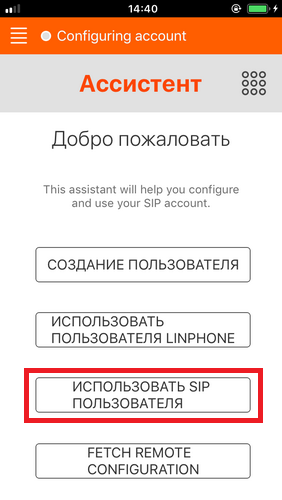
After launching, you will immediately be taken to the account addition page. Here, click “Use SIP user” (see screenshot below).
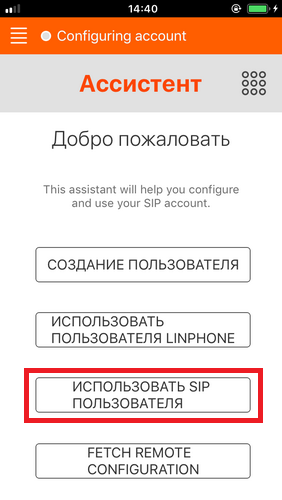
Next, you will be taken to the SIP account add screen. You will need to enter the following information and click “Login”:
Username: Login
Password: Password
Domain: Server
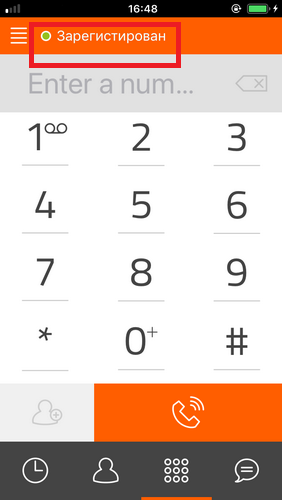
If you did everything correctly, you will be taken to the main screen and will see a green “Registered” status in the upper left (see the picture below).
Now you can use the program and make calls, as well as receive calls.
P.s. You need to dial numbers in the full format – country code – city code – number. Without pluses and additional characters at the beginning of the number.