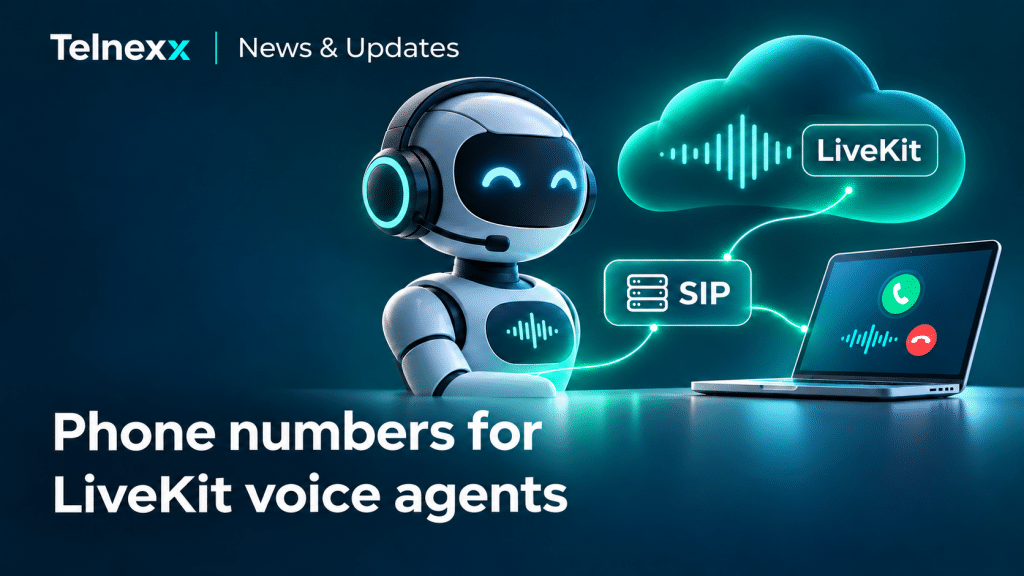
A voice AI agent becomes more useful when customers can reach it on a regular business phone number. SIP connectivity lets you connect Telnexx phone numbers to LiveKit voice agents for inbound calls, outbound calls and transfers to a team member.
Customers do not need to install an app or open a website: they simply dial the phone number.
How the connection works
LiveKit is a platform for building voice AI applications that supports connectivity to the telephone network through SIP. In this setup, Telnexx provides the phone number and telephony connection, while the agent in LiveKit handles the conversation according to its configured workflow.
Incoming calls are routed over SIP to your LiveKit project, where the AI agent answers them. Outbound calling requires a separately configured outbound SIP trunk, permitted destinations and an authorized caller ID — the number shown to the recipient.
This lets you develop the AI workflow independently of the phone number: update the conversation logic, add tools and connect business systems.
What you can automate
This connection can support applications such as:
- An AI receptionist: greeting callers, identifying the reason for their call and collecting contact details.
- First-line support: answering common questions and escalating more complex enquiries to your team.
- Enquiries and bookings: collecting the necessary information and working with a CRM or calendar through configured integrations.
- Callbacks: contacting customers at their request or as part of an agreed service workflow.
These capabilities are implemented in the AI application itself. Connecting a phone number provides the telephony channel; it does not create a ready-made agent or automatically integrate your CRM.
When a person needs to take over
If an enquiry needs a team member, the agent can initiate a transfer to their phone number using SIP REFER. Call transfers must be enabled in the SIP configuration and implemented in the agent’s logic.
After a successful transfer, the caller continues speaking with the team member and the LiveKit session ends. The transfer creates a separate outbound telephone connection, billed in addition to the original inbound call.
Getting started
You need a compatible Telnexx phone number with sufficient simultaneous call capacity, a configured SIP connection and a LiveKit Cloud project with a deployed voice agent. Number availability, documentation requirements and outbound calling options depend on the country and service configuration.
Start with one number and one workflow: test call quality, caller ID presentation and transfers to a person. Budget separately for the phone number and calls, LiveKit usage and AI models.
Want to connect LiveKit to a Telnexx phone number? Contact our team to confirm compatibility, required destinations and the parameters of a pilot deployment.
More Telnexx news and updates
Follow new coverage, SMS capabilities, product updates and Telnexx integrations.