
Download the Telephone program and install it.
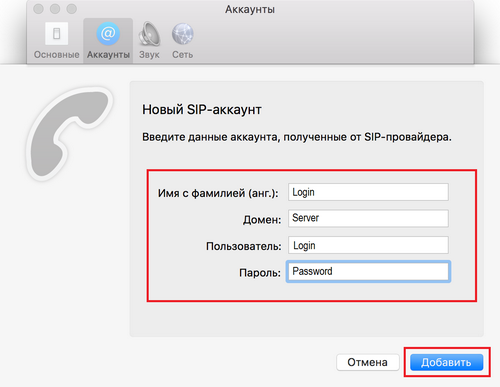
When you start the program, an account addition window will appear. In the future, if you need to add a new account, you can do this in the menu: Phone – Settings – Accounts…
Add your SIP account details in the settings window:
First name and last name: Login
Domain: Server
User: Login
Password: Password
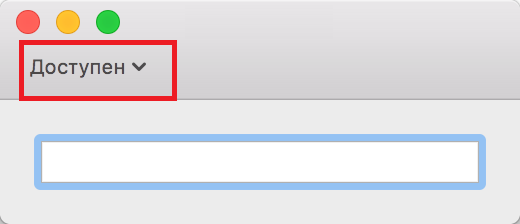
If you did everything correctly, the status will be “Available” and you will be able to make calls.